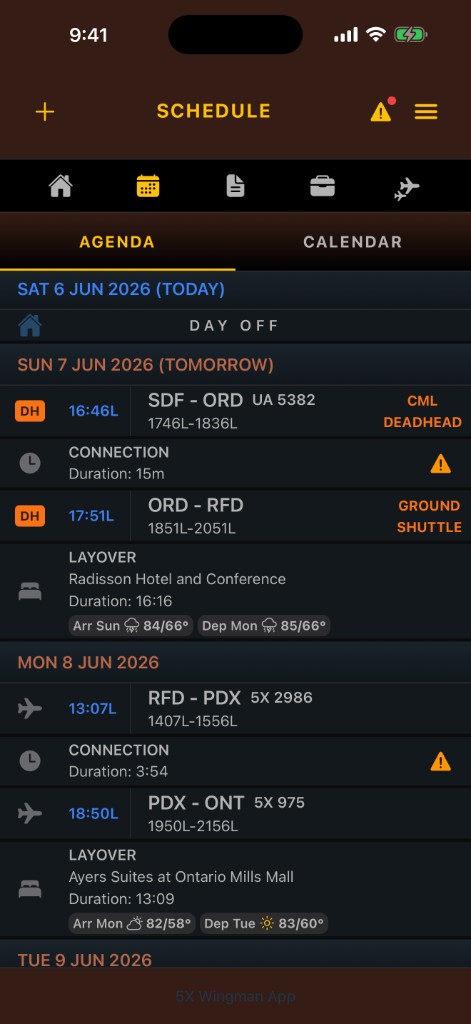
Agenda schedule
A timeline view for trips, reserve, layovers, alerts, and day-by-day context.
Browse the real in-app views pilots rely on every day, from schedules and trip details to contract alerts, friends, and layover tools. Every screenshot reflects production workflows so you can see exactly what the experience looks like.
A timeline view for trips, reserve, layovers, alerts, and day-by-day context.
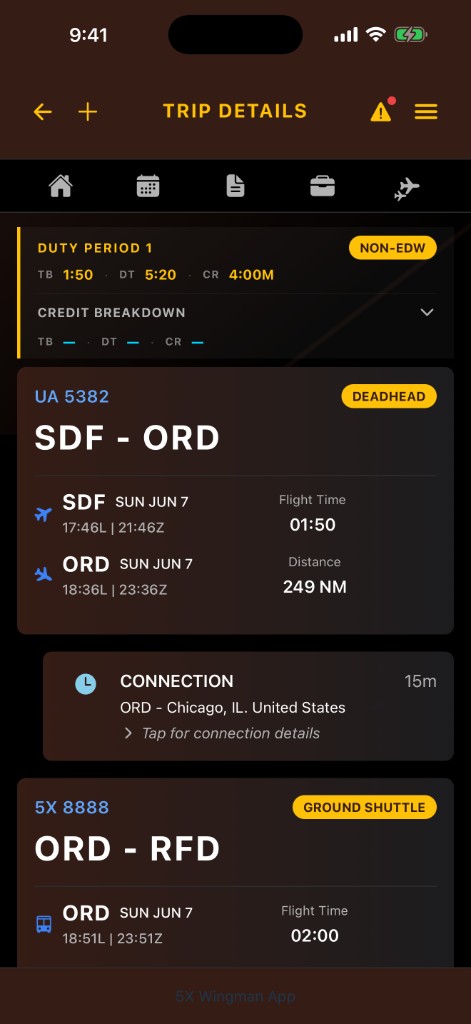
Pairing details, duty periods, credit, layovers, and connection context grouped together.
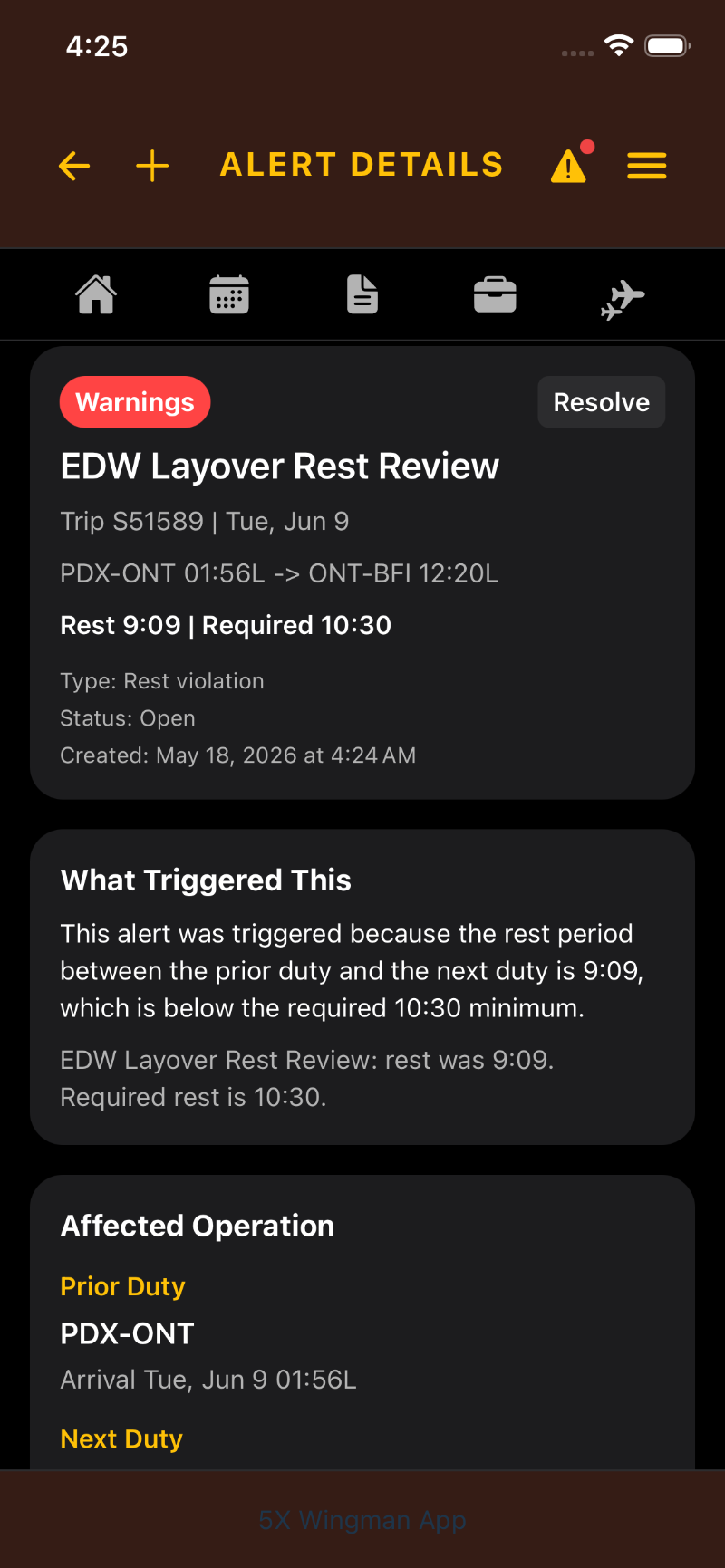
Rule-specific warnings with enough detail to understand what changed.
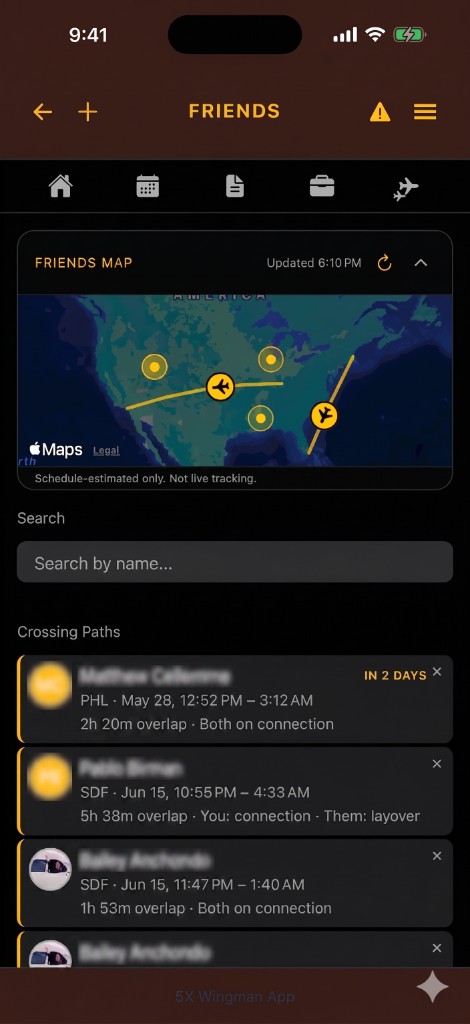
Keep track of your friends. See when your friends will be crossing paths with you while reporting, at a connection, or during a layover.
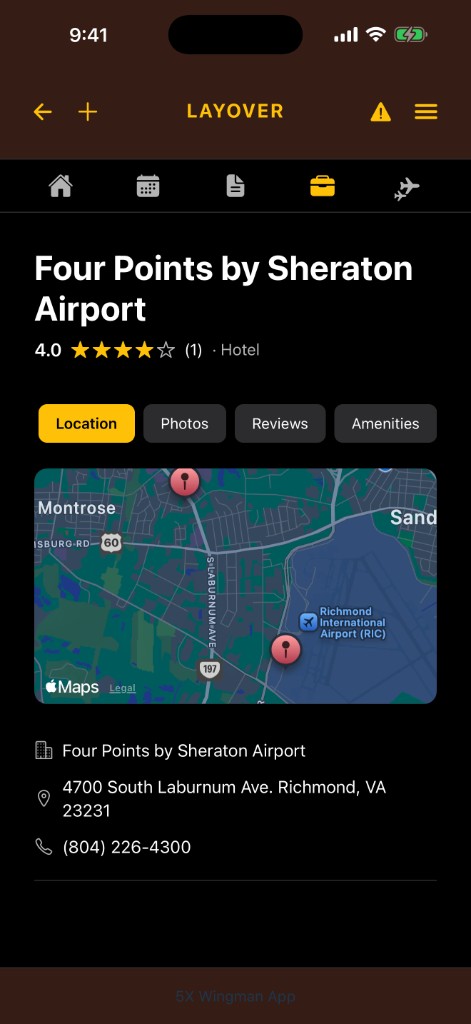
Hotel location, photos, reviews, and amenity details for layover planning.
Swipe on mobile or use arrow controls to rotate through screenshots.
Use these screens to see how Wingman organizes the parts of a pilot schedule that usually take the most digging: duty periods, contract alerts, layovers, friends, and trip details. The goal is simple: less time hunting through pages and more context when it matters.
Explore the features