Training Center
Step-by-step tutorials and video walkthroughs for common 5X Wingman tasks.
Tutorials
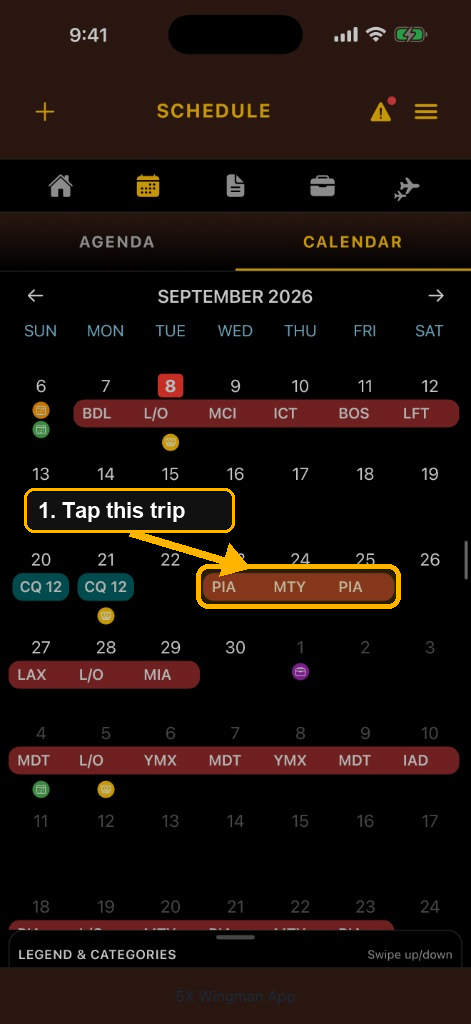
How to Upload a Trip Revision
Learn how to open Schedule Calendar, tap the trip to revise, paste a CMS Workschedule or JCT Details page, compare CURRENT vs REVISED, and apply the new company pairing.
Open Tutorial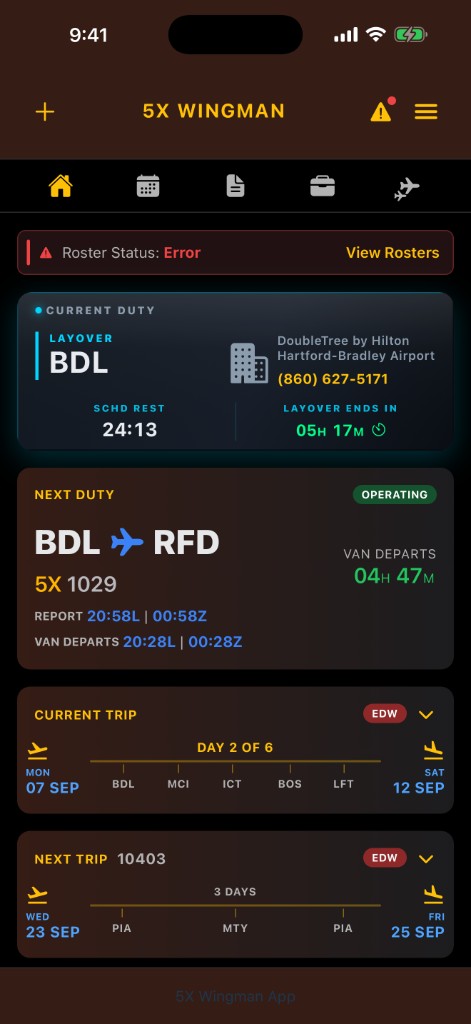
How to Fix “Roster Status: Error”
Learn how to tap Home View Rosters on the red Error banner, delete the failed import card, clear the banner, and re-send your itinerary or roster.
Open Tutorial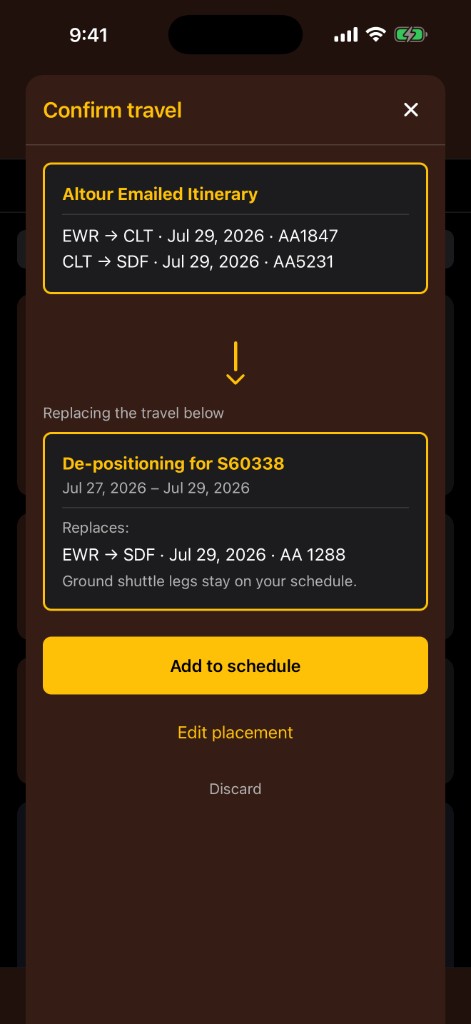
How to Import Altour / CMS Travel
Learn how to forward an Altour or CMS travel confirmation, confirm the deadhead it replaces, and update commercial travel on your schedule.
Open Tutorial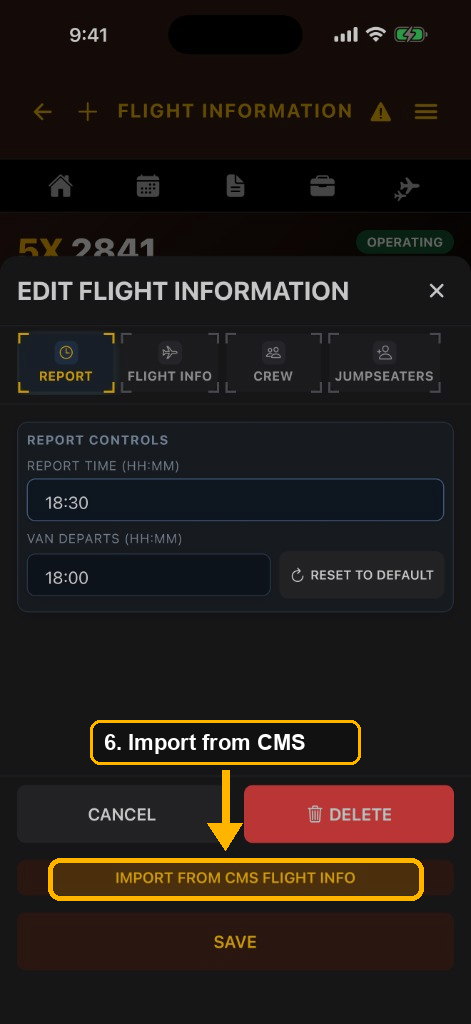
How to Import Crew & Jumpseaters from CMS
Learn how to copy CMS Flight Information (including Zscaler Isolation Clipboard) and import crew names and jumpseaters into Edit Flight Information.
Open Tutorial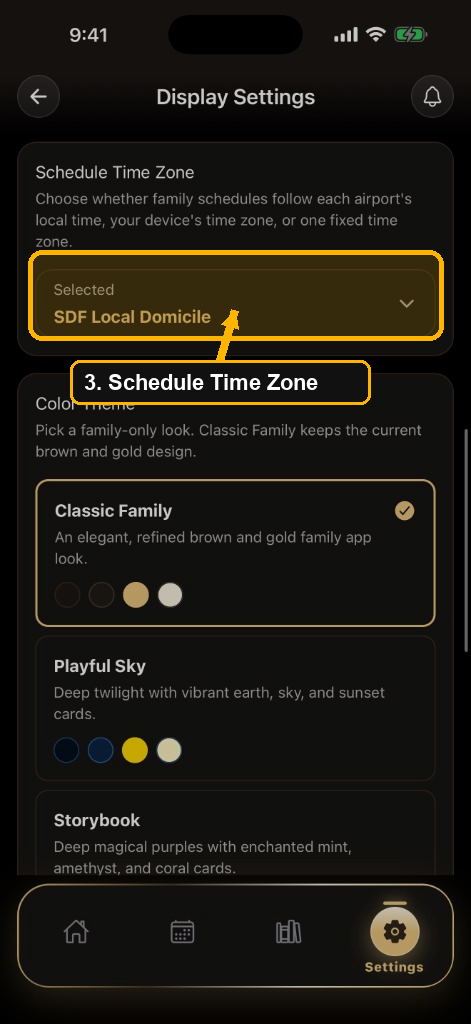
How to Change Schedule Time Zone
Learn how a family member opens Display Settings, uses the Schedule Time Zone card, and picks airport local, device, UTC, or domicile time.
Open Tutorial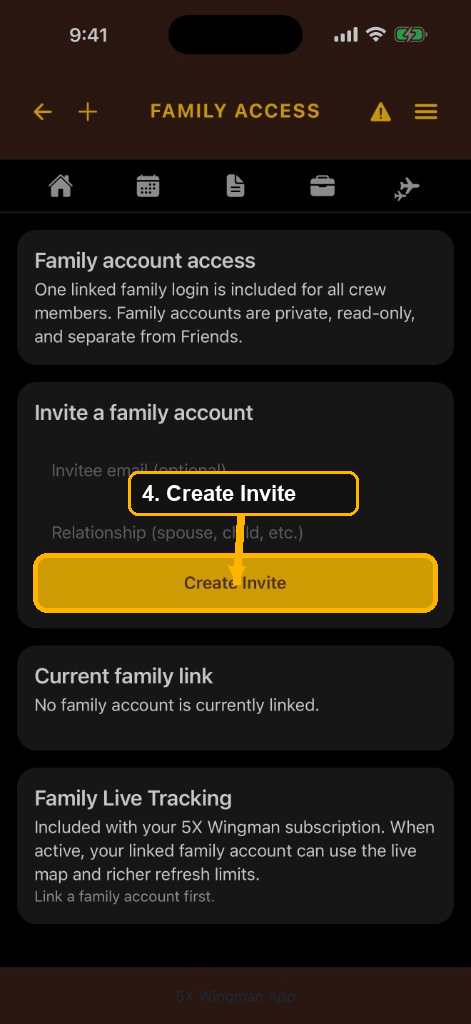
How to Set Up a Family Member
Learn how crew members create a family invite, share the link, and help a family member sign up for read-only schedule access.
Open Tutorial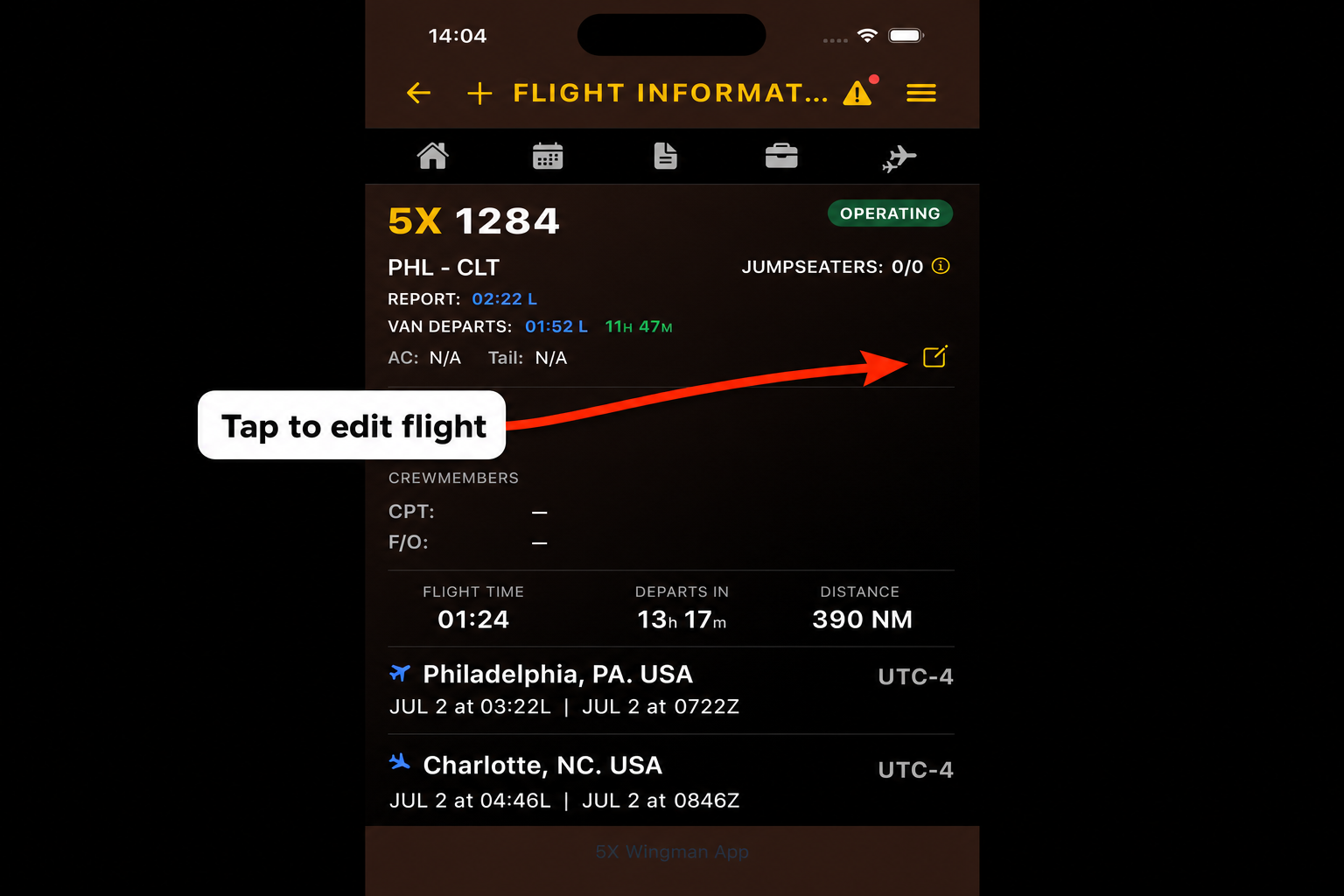
How to Edit a Flight
Learn how to open the edit window, update report time, flight info, crew, or jumpseaters, and save changes from the Flight Information page.
Open TutorialVideo walkthroughs
trainingVideos list inside training.html.